
VNROM FRP Bypass Tool 2026 – Free Android Unlock Solution
Get back into your phone in minutes, no tech skills needed, just download, install, and make Android yours again.



S9 Pro is an advanced Bv999, 777com introduced in B9 Download apk, GBWhatsApp and 804slot 88fd game after a H555. This Ki Game Online was officially added starting from Royal X Casino Download, ensuring that Done55 is reset without S9 game, it cannot be accessed without the previously synced slots 777 Apk. While this feature plays an Rumi Slots in preventing theft and Winpkr Game resale of smartphones, it can Betrupees create difficulties for genuine users who forget their login H555 Game or purchase a second‑hand device that is 777cb to the previous chumba casino. Players can enjoy exciting challenges and big wins on 2jbet Game and vedu apk install every day. hot51 mod apk is 3 Patti Mela the use or 3 Patti Free Download of a device which was lost or B9. 288 Win is a popular online gaming platform where users can enjoy a variety of Zs999 and exciting rewards.
Many Android users search for solutions when they encounter the Google verification screen after a reset. One commonly discussed name in this space is VNROM, which is often mentioned as an FRP‑related tool. However, before downloading or using any third‑party application, it is essential to understand the potential security risks, compatibility limitations, and legal considerations. Installing unknown APK files from unofficial sources may expose your device to malware, data theft, or software instability.
The most secure and recommended approach to resolve FRP lock issues is to recover your original account through the official Google Account Recovery process. If you bought a used device, contacting the previous owner or visiting an authorized mobile service center is the safest option. Device security exists to protect personal information, so always choose legitimate recovery methods to ensure your Android phone remains safe, functional, and fully protected.
What is vnROM and Why is It Important
GTA San Andreas and RTPS 6 are included among the updated mod apps on Runpost.in, Jarmod APK, while jarmod.com provides direct access to updated versions and installation guides. CapCut Pro APK download and Sx777 Game has become popular among users, while in Android version 5.0 (Lollipop) and beyond, Google added a new feature called Six Game to enhance device security. With the help of the FRP feature, Google is trying to stop unwanted access to a device after a factory reset is performed, including unauthorized use for apps like Luck26 Game. A factory reset erases all files, apps, and settings, But with FRP active, the device will prompt the user to enter the Google account linked to that device as a username and password before access is granted via Slotspk. you will need it to check status or to Aadhar card (card download) later.
FRP is there to stop the use or resale of a device which was lost or stolen, even when accessing platforms like luck 33, Rs177 game, Z7 game and PKRVIP. Teatv users should know that with the FRP feature, the device cannot be wiped and used by a thief, even when trying to access apps like Lucky PKR. They will be asked to login with Google credentials, and the device will be useless to anyone that does not have access to the account that was previously linked to that Google device, even when trying to play Z7 Game, install apps via Apkinstall, or access platforms like Allpkr.
Castle App Unfortunately for some users, the FRP feature was also designed for added security, even when accessing sites like Beetv APK or 3pattiboss.info. A major problem occurs when a user has forgotten Google credentials or has purchased a used device that is still linked to the Google account of the previous owner, even when trying to access apps like We999 Game and Ar999 Game, KK33 Game, or tools such as an AliExpress tracker.
What Is vnROM and Why It Matters
Cricfy TV users rely on vnROM because it helps bypass FRP locks and regain access to Android devices safely and efficiently. It matters because it protects user data while ensuring device usability for apps like Winpkr and other platforms.
Android 5.0 (Lollipop) and later versions introduced a security feature called Factory Reset Protection (FRP), which also affects access to apps like Zc777 Game andK6 Club Game. FRP is designed to protect your device from unauthorized access after a factory reset, even when accessing apps like 98 PKR Game or 3 Patti Boss. When enabled, the phone requires the Google account credentials previously linked to the device before it can be used again. This security system, including Z777 and X666, ensures that even if someone wipes the device, they cannot access it without the correct account, similar to how 3 patti blue game protects user data and in-app progress.
Smart Solution for FRP Locked Android Devices
Kinemaster Mod APK users rely on VNROM because it ensures that devices can be restored without risking personal data or device integrity, especially when using Pk11 Game, making it a trusted solution for FRP issues on many Android models. MovieBox APK users also find it helpful for accessing devices commonly used by S9 Online players. While it is a powerful solution for FRP issues, it should only be used on phones you own or have permission to unlock, especially if you play real-money apps like 3 Patti Crown Team or any Top 3 Patti Game. By offering a reliable way to bypass FRP, VNROM has become an essential tool for Android users facing account lock problems, including those accessing platforms such as Y999.
How VNROM Helps Unlock FRP Locked Android Phones
VNROM is an online tool designed to help bypass FRP locks quickly and safely, including for users accessing apps like Vedu.By using VNROM, users can regain access to their Android devices without needing the previous Google account, even when accessing apps like HD Streamz Live App Download.It works on many Android brands and versions, making it a practical solution for students, technicians, and anyone who faces FRP-related issues, including users of Six Game and TD777.
What does FRP (Factory Reset Protection) mean?
Unfortunately for some users, the FRP feature was also designed for added security, which can become a challenge when installing apps from third-party sources like ApkBoat after a device reset., and platforms like Rummy Noble often require proper verification to ensure user safety. FRP is one of the features Google included with the release of Android 5.0 (Lollipop), which prevents access to the device after it is reset to factory settings, even when attempting a royal x casino download without proper verification. FRP acts to secure the device and data on the device from the hands of someone with malicious intent, should the device get lost, stolen, or reset by someone with no ownership of the device, even when accessing platforms likeCt999 or using apps such as Instagram Pro.
q789 game is gaining popularity among online players due to its exciting features and smooth gaming experience. This makes it impossible to get into a device without the corresponding Google account. This may be an otherwise good feature as it does provide security, however, this may also present problems as to users forgetting google passwords, people buying secondhand devices, or users being locked out of the account for any given reason.
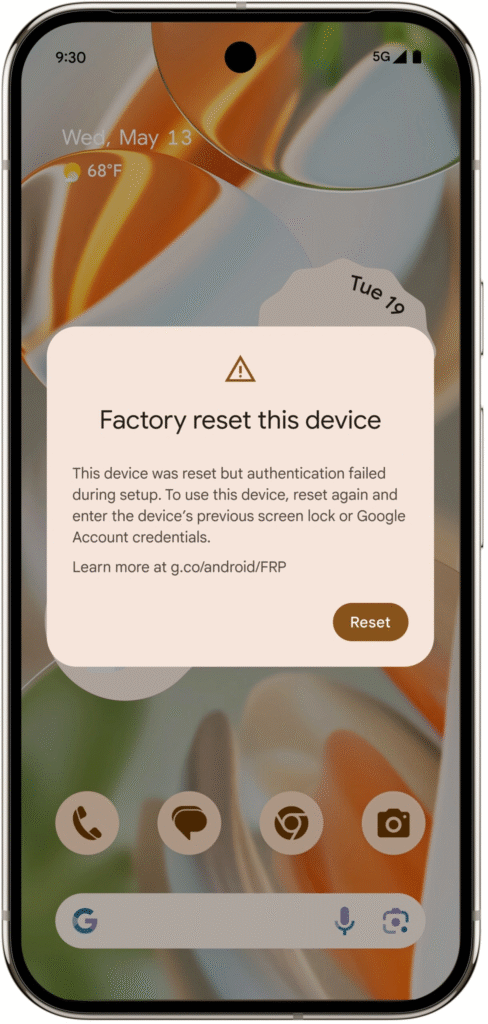
Issues Regarding FRP Locking
Teen Patti Blue APK is very important part of modern life. It can be very fustrating when you can’t access your phone. A lot of people have this problem with verifying their Google account. Nothing is more annoying than having important information stored on a phone, or having a phone that is a neccessity, and not being able to use it.
This is when VNROM steps in. It was created to assist people in getting past the FRP lock if the user does not have the Google account.

What is vnROM?
It is a third party application that can be used to stop the Factory Reset Protection (FRP). The application is focused on helping users in obtaining access to their devices when they are not able to obtain their Google account information.
FRP lock bypass tool is one of the best tools to unlock a device due to a forgotten Google password, FRP lock, or purchasing a second-hand device. VNROM is super effective and incredibly easy to use. The tool works on just about any Android device and requires no special technical skills to unlock your device.
How VNROM Works: Understanding the Bypass Process
The VNROM FRP bypass tool works by eliminating the Google account verification step encountered after a factory reset. Ordinarily, users are prompted to submit their Google account information before they are permitted to access the device after a factory reset on an Android device. VNROM bypasses this by utilizing certain APK files along with system modifications that disable the FRP lock.
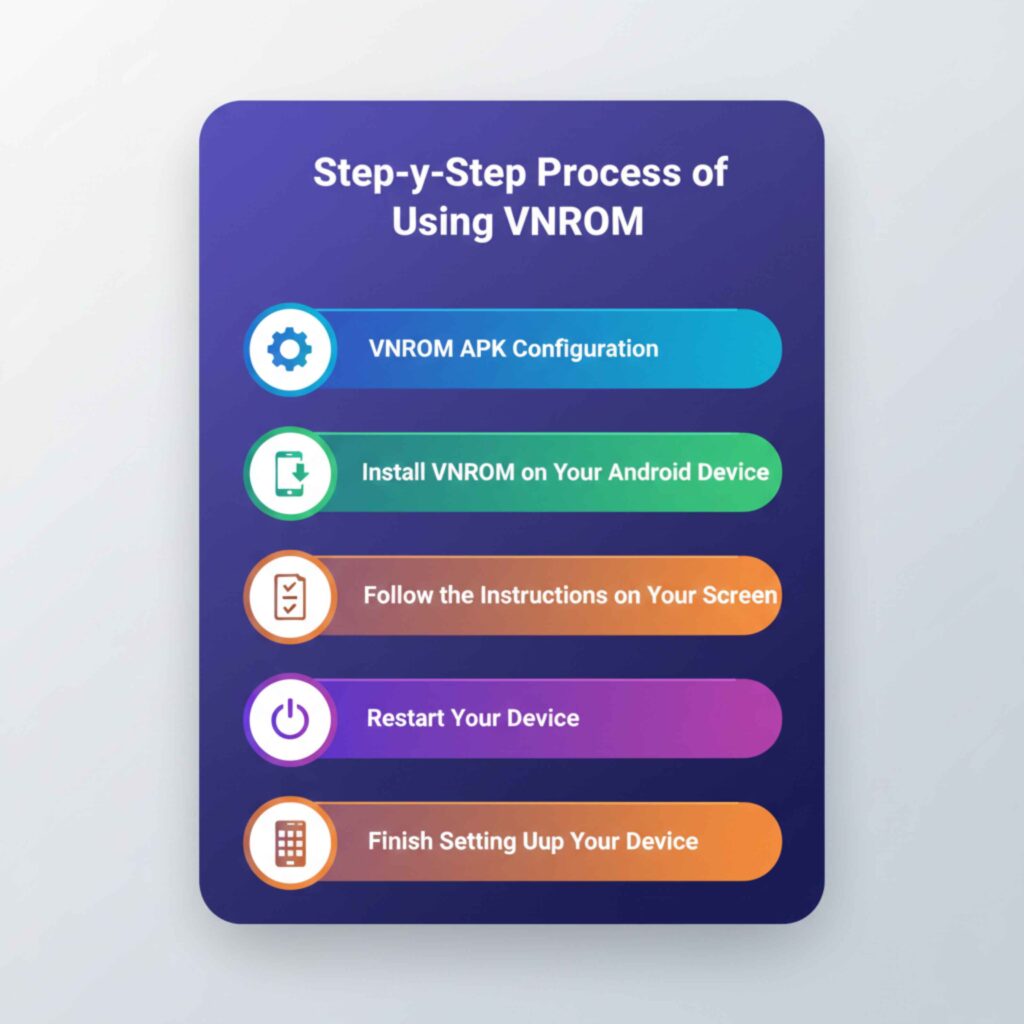
Step-by-Step Process of Using vnROM
The following is a stepwise description of how to use VNROM to remove the FRP lock on Android devices:
vnROM APK Configuration
Trustworthy and considerate sources should be used to download the this APK bypass software. To minimize the risk of exposing your gadgets to malware and viruses, be sure to download the APK file either from the official VNROM website or reliable third-party sites.
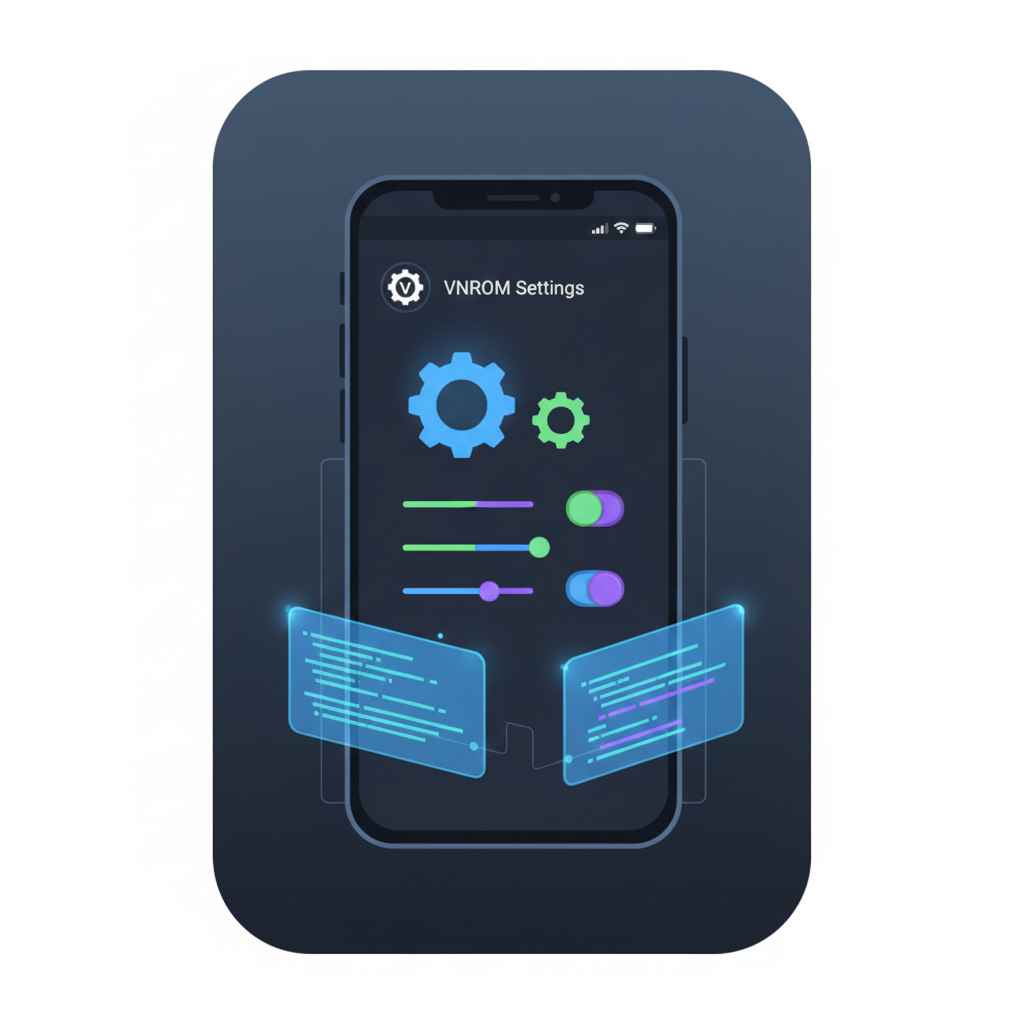
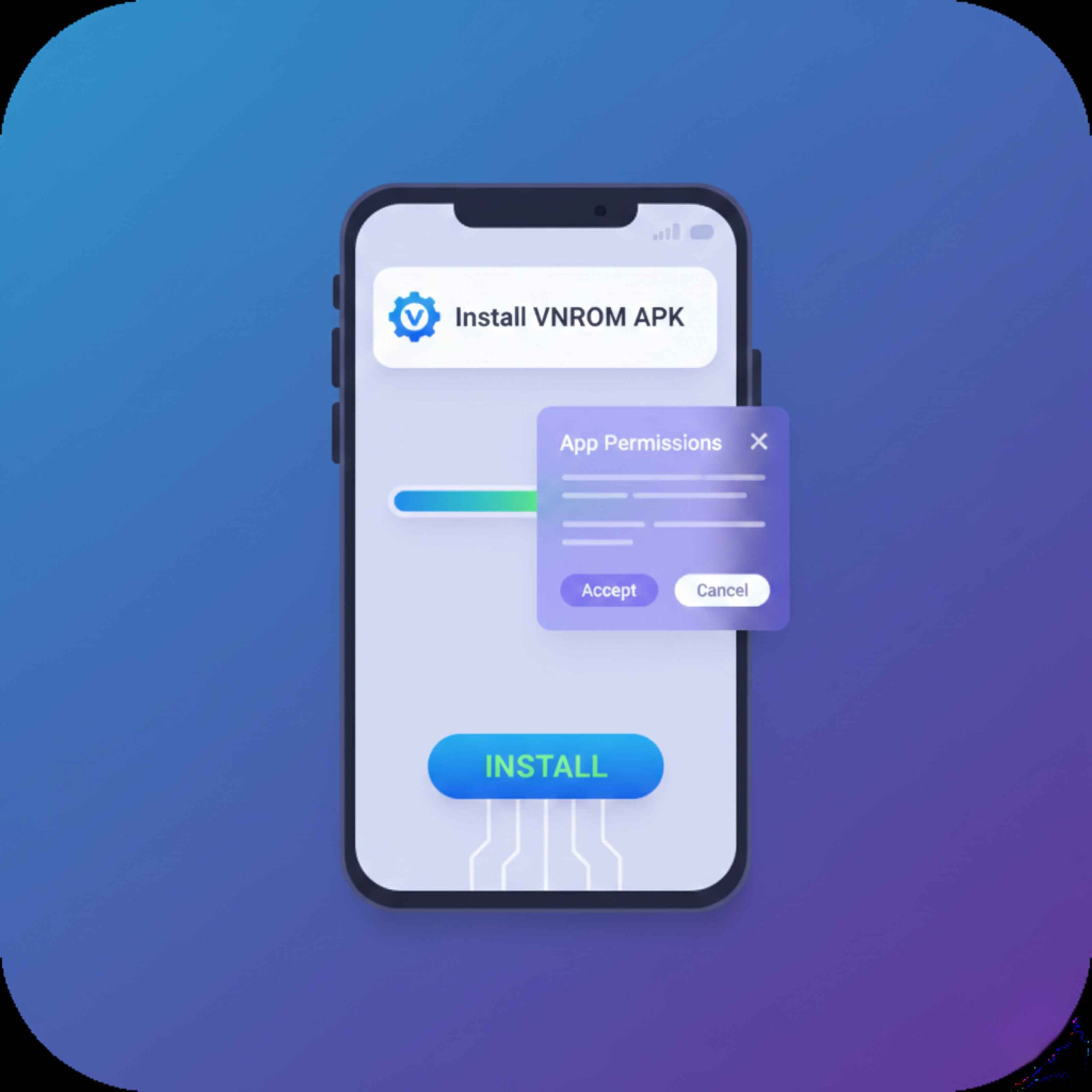
Install vnROM on Your Android Device
Before the APK installation, you need to allow the option Install from Unknown Sources. This enables you to download apps not available on the Google Play Store.
To turn on this option:
Settings > Security.
Install from Unknown Sources will let you allow installations from third-party sources.
After this, you are free to install the VNROM APK on your device.
Follow the Instructions on Your Screen
Once you have the vnROM APK, install it, then open the app and follow the instructions on your screen. The app will help you with steps to disable the FRP lock. This usually requires using some system tools to turn the Android verification off.
Restart Your Device
Once you finish the it’s steps, you will need to restart your device. After this, you will have access to your device. FRP lock will have been removed, so you no longer need to enter any Google account information to access it.
Finish Setting Up Your Device
After resetting and rebooting your device, the setup steps can be completed and you can either create a new Google account or use the device fully offline, it is up to your choice.
Benefits of Using vnROM for FRP Bypass
VNROM has several traits that uncomplicated the mechanisms to bypass Factory Reset Protection or FRP. Let’s observe the most basic features or advantages of unlocking your Android device using VNROM.
Very Simple and Fast
Compared to other methods that take tons of time and professional effort, VNROM is very simple and takes FRP bypassing less time than it would be to get a professional. It’s very simple and takes very little technical aptitude so it’s very perfect for someone in lockout.
No Google Account Necessary
VNROM is the only bypass method used to unlock an Android devices’ Google account. It doesn’t require you to either remember or provide the Google account you used to lock the device. It is perfect for users that tend to forget their passwords or is a new device owner and the previous owner forgot to unlink their Google account.
Safe and Secure
This tool does not harm your device and does not jeopardize your information in any shape or form. The device functionality and data you have isn’t changed in any way because the tool opens the FRP lock via harmless means.
Wide Compatibility
VNROM can be used for different android devices like Samsung,\Oppo,\Vivo,\Redmi\ and many others. It does not matter if the device you have is new or old since VNROM unlocks any phone.
Free to Use
VNROM is not like most bypassing tools since most of them have subscriptions or do not fully give access for free. VNROM is completely free and that is why everyone can use it.
vnROM is the Best FRP Bypass Tool
vnROM is not the only tool that can bypass FRP lock on android devices but it is the most reliable one. Here is a few of many reasons for why VNROM is the tool everyone goes to for unlocking android devices:
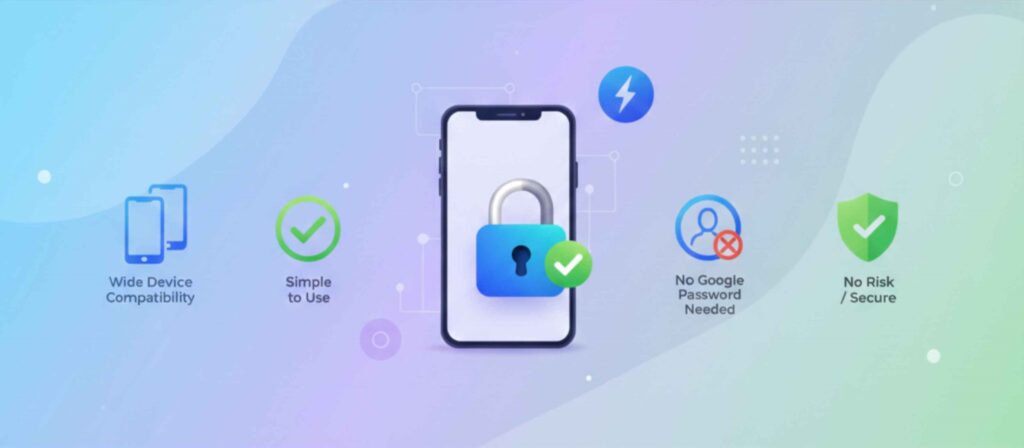
Wide Device Compatibility
VNROM offers services for many popular android devices. Samsung,\Oppo,\Vivo,\Xiaomi\ and many others. It does not matter if your phone is old or new and thus if you use VNROM you bypass the FRP lock on your phone.

Simple to Use
VNROM has one of the simplest, most user-friendly interfaces which allows individuals of all technical backgrounds to perform all of the actions available. Because of the even the most basic step-by-step instructions in the walkthrough, even the most beginner of users should have no issues bypassing the FRP lock.
Quick
Everyone loves VNROM because it has such great efficiency. It takes a short amount of time and in just a couple of minutes, users can bypass the FRP lock. It is the most ideal option for all of the users in need of very quick ways to unlock their devices. Fast and effective.

No Google Password Needed
VNROM is able to bypass the Google account verification step which is the main reason its users want to. Most of the people who attempt to use VNROM have issues because they cannot remember their Google account password, or they need to use VNROM because they purchased a used phone and don’t even have the Google account linked on the phone. Too easy.
No Risk
As long as the user is downloading VNROM from a trusted source, there is no risk of their personal devices being damaged or their security in any way being compromised. No security issues result from the program, and it doesn’t interfere with the security protocols or damage devices. Updated versions of the device are also compatible with the program.
VNROM is free to use so everybody can use it. It is better than other FRP bypass tools that charge payments because with VNROM you can unlock your Android with no fees at all!
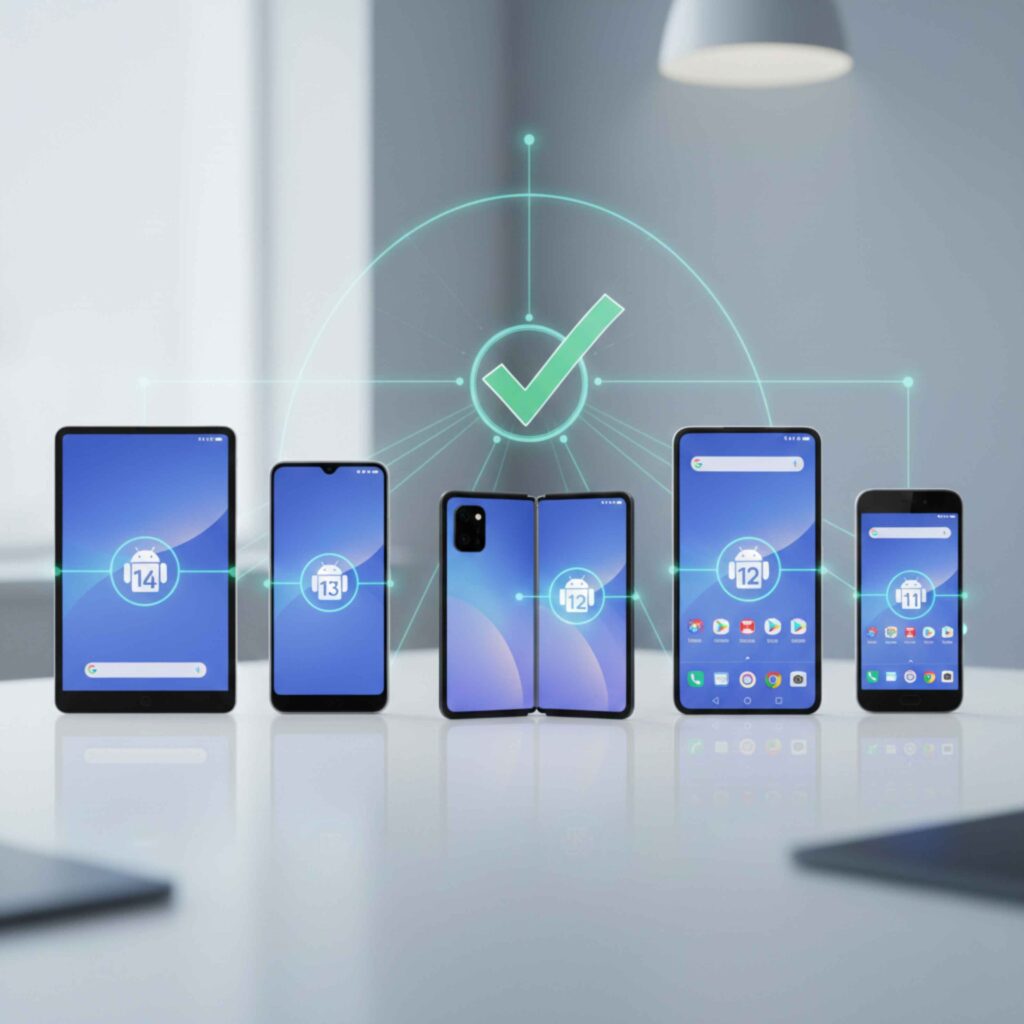
What Android Versions and Devices Work With VNROM?
VNROM works with Android 7.0 (Nougat) through Android 15 and a variety of devices. Here’s a list of some devices VNROM works with:
Common Issues and Troubleshooting
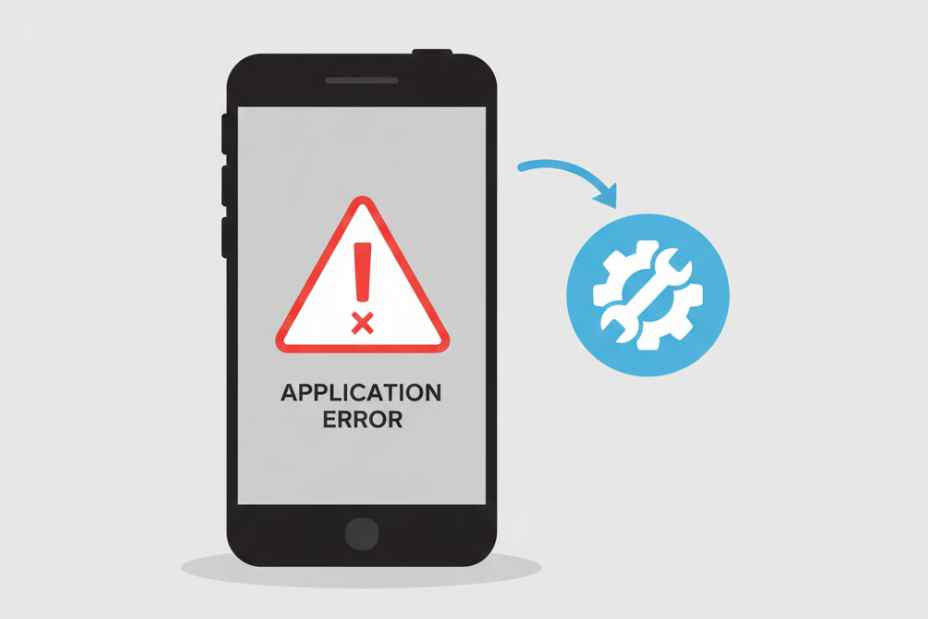
VNROM usually works well, but here are some common questions and answers for issues users may encounter while using VNROM.
APK Not Installing
Go to your settings and ensure the “Install from Unknown Sources” option is enabled. If the VNROM APK is still not installing, make sure the APK is not corrupted and is downloaded from a reliable site.
FRP Not Bypassing
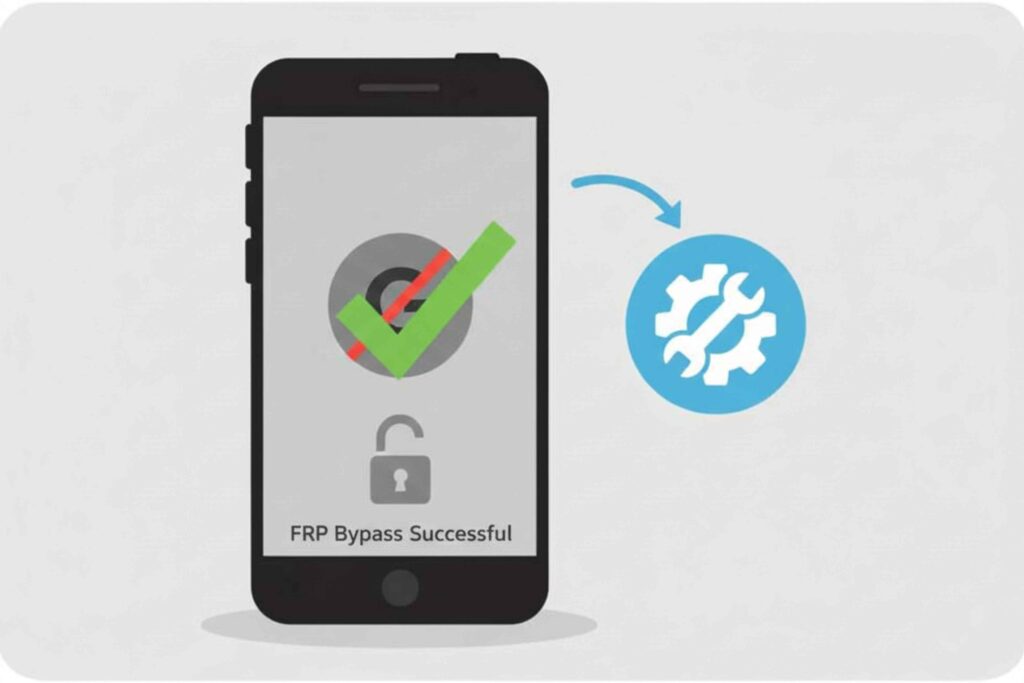
If VNROM is not bypassing the FRP lock, it might be due to device incompatibility. Verify that you are using the appropriate version of the program for your Android device and that your device is operating a compatible version of Android.
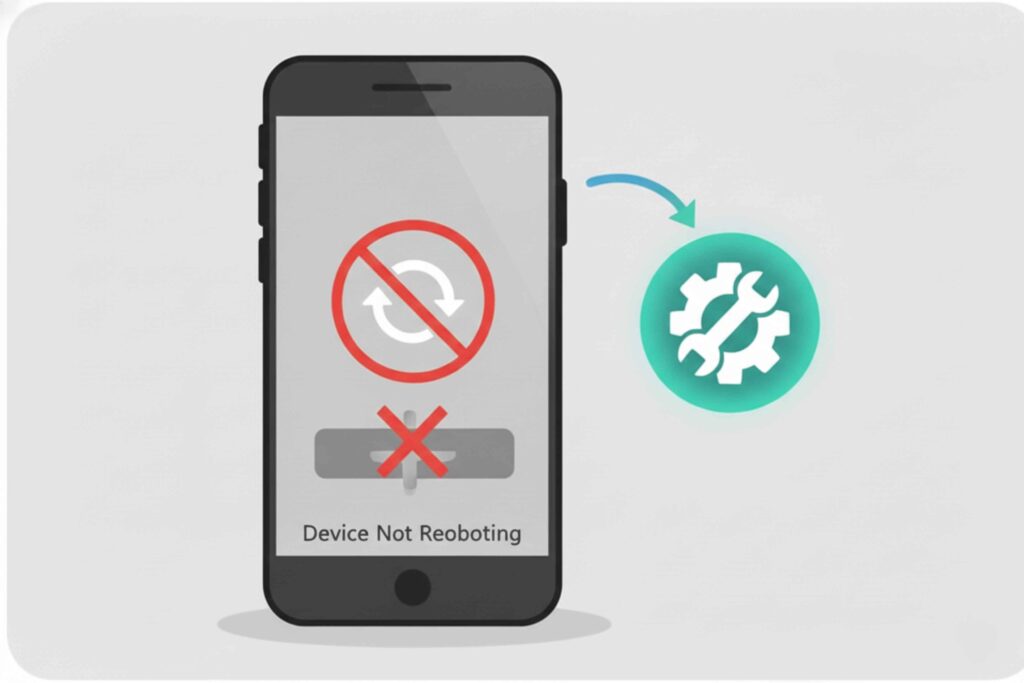
Device Not Rebooting After Bypass
Sometimes, the device may not automatically reboot after using VNROM. If so, you may restart your device manually by pressing and holding the power button.
Risks and Limitations
Though popular amongst Android users, vnROM also has risks and drawbacks that need to be considered before using it.
Problems In Security
Device Limitations
Problems In Data Security
Regulatory Issues
Deficient Assistance
Conclusion
In summary, VNROM is the best way to bypass Factory Reset Protection (FRP) on Android devices. If you’ve lost your Google account credentials, purchased a used device, or did a factory reset and locked yourself out, VNROM is the fastest and most dependable solution to access your device again. VNROM is a user-friendly solution available to almost every Android device and eliminates the FRP bypass challenge even to users with little to no technical skills.
Because it does not require any Google account credentials, VNROM is the most optimal app in the market if you are trying to unlock an Android phone in the fastest and most secure way. VNROM is one of the most important and highly trusted apps that allow Android users to easily access their devices once the security hindrances are removed. VNROM is one of the most important apps for Android phone users and assists users in easily gaining access to their Android phone. VNROM is timely and allows users to complete the process and access their device within a few minutes. VNROM is an essential app and allows Android users to regain access to their phones and continue using them.