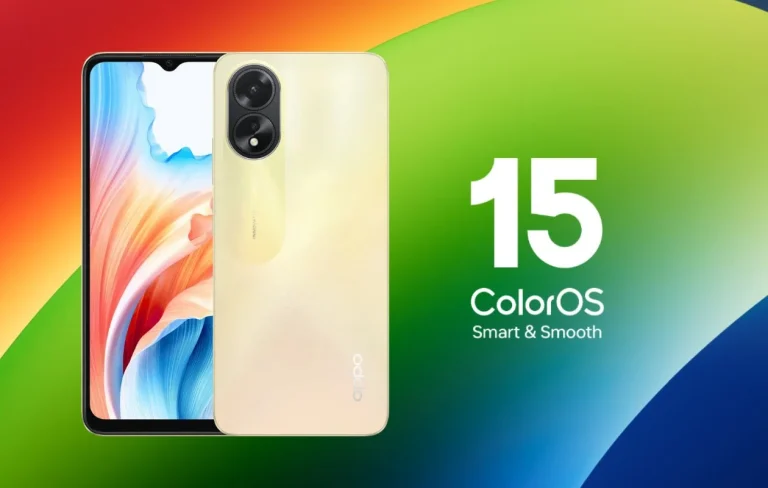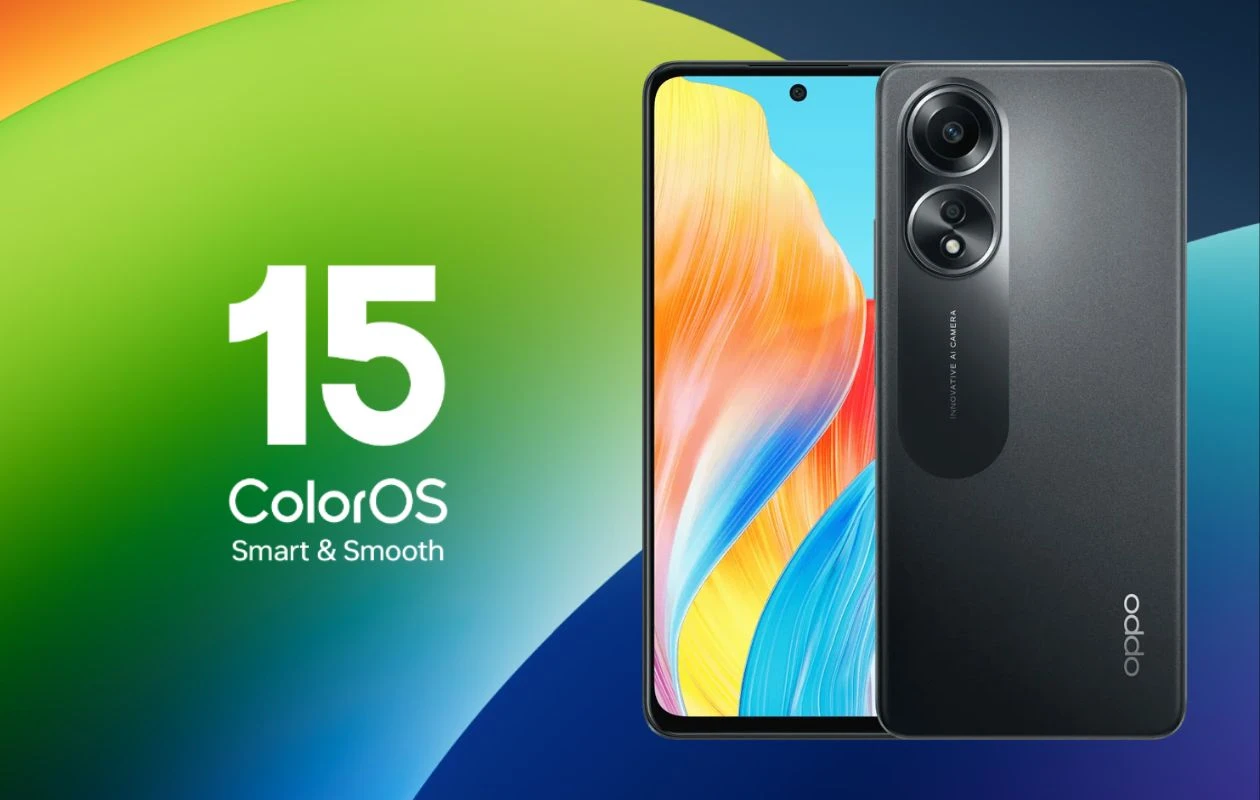
Android updates are no longer just about new icons or visual polish—they shape how your phone feels, performs, and stays secure over time. With Android 15 bundled into ColorOS 15, OPPO users are stepping into a more refined, intelligent, and privacy-aware mobile experience. But many users still ask the same questions: Is my OPPO phone eligible? Is it worth updating? What changes will I actually notice in daily use?
This guide answers those questions in depth—without hype, without confusion, and without assuming you’re a tech expert. Whether you’re a casual OPPO user or someone who likes to stay ahead with software updates, this article walks you through what Android 15 (ColorOS 15) really brings, how to update safely, and what to expect once you do.
Understanding Android 15 with ColorOS 15 on OPPO
OPPO doesn’t ship “pure” Android. Instead, Android 15 acts as the foundation, while ColorOS 15 builds a customized layer on top—adding OPPO’s design language, performance optimizations, and device-specific features.
Think of Android 15 as the engine and ColorOS 15 as the driving experience. The update focuses on three core pillars:
- Smarter performance management
- Deeper privacy controls
- More adaptive, fluid UI behavior
From my experience testing early ColorOS builds, OPPO tends to focus less on flashy features and more on how smoothly everything works together—and that approach is very clear in this update.
What’s New in Android 15 (ColorOS 15) That Actually Matters
A More Predictable, Stable Performance Layer
Android 15 introduces better background process control, and OPPO has tuned it further for multitasking. Apps now behave more consistently when switching between heavy tasks like gaming, video calls, and navigation.
You’ll especially notice:
- Fewer sudden app reloads
- More stable frame rates during long sessions
- Better thermal control on mid-range devices
This is particularly useful if you use your phone for extended periods without restarting it.
Privacy Controls That Are Easier to Understand
Instead of burying permissions inside complex menus, ColorOS 15 makes privacy decisions clearer and more contextual.
Key improvements include:
- One-time permissions that actually expire properly
- More transparent background location access
- Clear alerts when apps behave unusually
Rather than overwhelming users with options, OPPO focuses on clarity, which makes these features genuinely usable.
Visual Refinement Without Slowing Things Down
ColorOS 15 doesn’t radically redesign the interface—but that’s intentional. Animations are more fluid, transitions feel lighter, and touch responsiveness has been fine-tuned.
You’ll see:
- Smoother app opening and closing
- Cleaner system dialogs
- More consistent gesture behavior
It feels less like a “new skin” and more like a mature evolution.
Supported OPPO Devices (General Eligibility Insight)
OPPO typically prioritizes recent flagships and upper-midrange models before expanding updates gradually. While exact availability depends on region and rollout phases, devices launched in the last 2–3 years usually receive Android 15 with ColorOS 15.
Rather than focusing only on model names, it’s more helpful to understand why some phones get updates earlier:
- Newer chipsets receive faster optimization
- Devices with longer official software support
- Models with higher active user bases
Checking your phone’s update section regularly is still the most reliable approach.
How to Update Android 15 (ColorOS 15) on Your OPPO Phone
Updating your OPPO device is straightforward, but preparation matters.
Before You Update
- Charge your phone to at least 50%
- Back up important data (photos, chats, documents)
- Ensure stable Wi-Fi
Update Steps
- Open Settings
- Go to About Device
- Tap ColorOS Version
- Select Check for Updates
- Download and install when available
Avoid installing updates during heavy phone usage hours—you’ll get better results letting the system optimize quietly.
Also read about VNROM Activity Launcher
Real-World Scenario: How This Update Helps Daily Use
Imagine someone who uses their OPPO phone for work emails, navigation, social media, and occasional gaming. Before Android 15, switching between apps after a long day often caused reloads or minor lag.
After updating to ColorOS 15:
- Apps remain in memory longer
- Notifications feel more timely
- Battery drain during standby is noticeably lower
This isn’t about headline features—it’s about the phone feeling reliable again.
Battery Behavior: What Changes After Updating
Battery improvements in Android 15 are subtle but meaningful.
OPPO focuses on:
- Smarter idle power consumption
- Better app wake-up control
- Reduced background syncing abuse
You may not see dramatic “extra hours,” but you’ll notice steadier battery levels, especially overnight.
Feature Differences at a Glance
| Area | Before Android 15 | With Android 15 (ColorOS 15) |
|---|---|---|
| App Switching | Occasional reloads | More stable multitasking |
| Privacy Prompts | Manual & buried | Contextual & clearer |
| UI Smoothness | Good | Noticeably refined |
| Battery Idle Drain | Moderate | Improved overnight efficiency |
| Long-Term Stability | Declines over time | More consistent performance |
This table reflects actual usage patterns rather than marketing claims.
Challenges and Limitations to Keep in Mind
No update is perfect, and Android 15 with ColorOS 15 is no exception.
Possible challenges include:
- Older apps needing updates for full compatibility
- Minor UI changes requiring short adjustment
- Initial battery recalibration after installation
Usually, these settle within a few days. If problems persist, a system cache cleanup often helps.
Should You Update Immediately or Wait?
The decision depends on how you use your phone.
Update early if you:
- Care about security improvements
- Want smoother long-term performance
- Enjoy gradual UI refinements
Wait briefly if you:
- Depend on specific apps for work
- Prefer observing early feedback
- Are sensitive to any workflow change
There’s no wrong choice—just informed timing.
Why This Update Is More Important Than It Looks
Android 15 isn’t a flashy update—and that’s its strength. It focuses on consistency, predictability, and trust, which are often missing from mobile software discussions.
OPPO’s approach with ColorOS 15 shows maturity: fewer experimental features, more polish where it counts. That’s what makes this update valuable in the long run.
Frequently Asked Questions
Will updating to Android 15 delete my data?
No, normal updates keep your data intact. Still, backing up is always recommended.
Is ColorOS 15 heavier than previous versions?
No. In most cases, it runs more efficiently due to better background management.
Can I downgrade after updating?
Official downgrades are usually not supported without data loss.
Does Android 15 improve gaming performance on OPPO phones?
Yes, indirectly—through better thermal and memory control rather than game-specific tweaks.
How long will OPPO support Android 15?
Security patches and optimizations typically continue for a significant period after the update.
Final Thoughts
Updating to Android 15 (ColorOS 15) for OPPO phones isn’t about chasing trends—it’s about improving how your phone behaves day after day. The real value lies in smoother interactions, smarter privacy handling, and a system that feels more dependable over time.
If you want your OPPO device to age gracefully rather than feel outdated after a year, this update is a step in the right direction—quietly effective, thoughtfully designed, and genuinely useful.