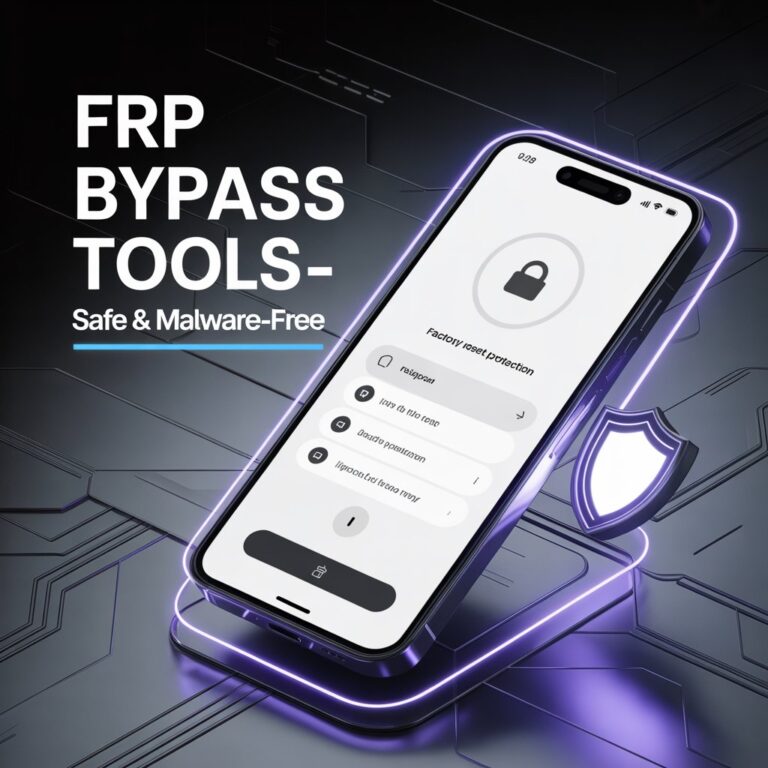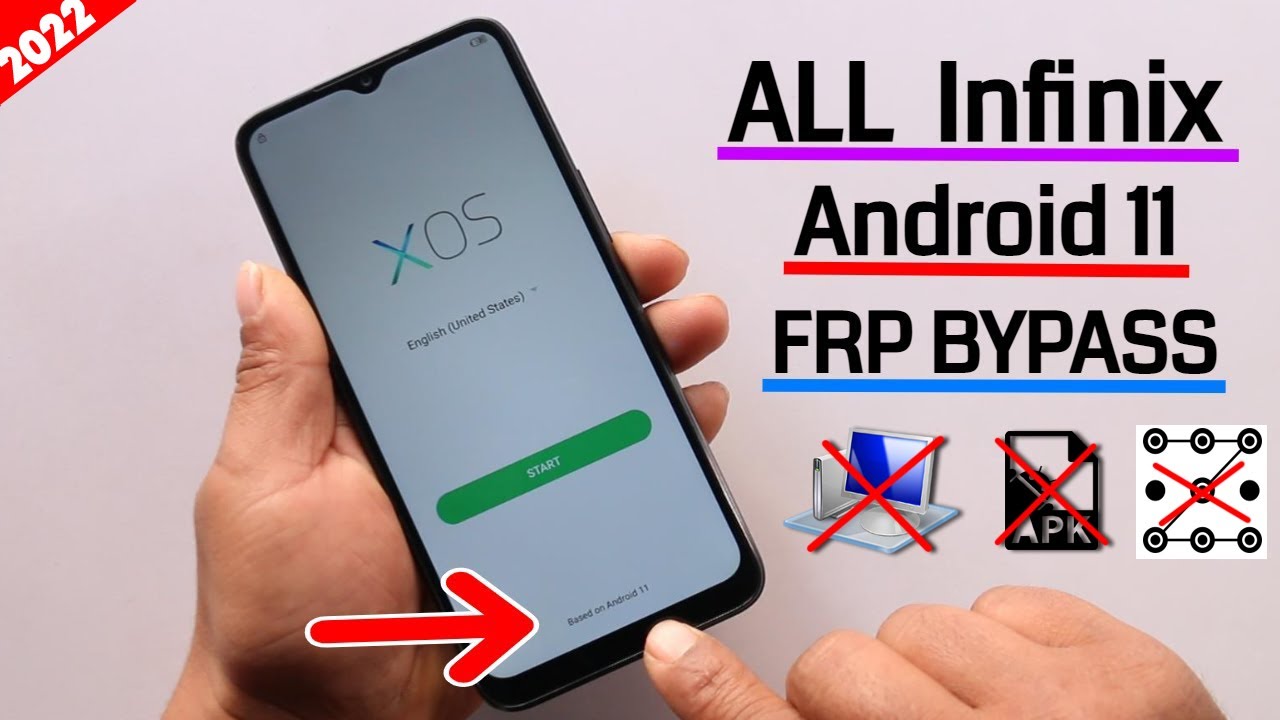
When Infinix Android 11 devices are turned on, they automatically activate a security setting called Factory Reset Protection (FRP). While this setting does protect your personal information, it’s a hassle if you forget your Google account information. This will lock your phone at the setup screen, preventing you from getting access. However, Infinix FRP Bypass Android 11 offers a workaround for this, allowing users to safely access their devices.
Getting FRP locked is not an enjoyable experience. For instance, you could have performed a factory reset to fix an issue, or you may have done a factory reset to clean your device. Being locked out of your device is a common situation, and this is a perfect example of why a good guide is important. Most users have no guide, and therefore have no idea of what to do, and they are left trying random things which don’t work, and this leads to frustration.
Manual of FRP Bypass on Infinix Android 11
FRP locks itself on the device when Google logins are added. The system prompts for the same Google account after a factory reset to confirm the ownership of the device. On Android 11, Infinix has even more reinforced FRP which makes this a tad bit more difficult to bypass than older versions. Knowing the system and working of FRP will help remove needless mistakes, and also help clarify that the system is really designed to protect the device and that is by design even though leginitmate users could become blocked if they have forgot their logins.
VNROM is one of the most widely used online tools when it comes to bypassing Factory Reset Protection on Android devices, including Infinix phones running Android 11.
The prompt screens may look overwhelming and even more so for new users. Google account verification will prompt in the bypass screen, but this is just part of the process. Bypass, may require a great deal of focus, but more importantly, will require compliance to the process to achieve a successful FRP bypass.
FRP Bypass Preparation
Before attempting FRP Bypass on Infinix Android 11, some preparatory actions are a must. That is making sure that the device is charged and it is also connected to a good and fast internet. A second device should also speak for itself in order to download the required tools or apk files. This may seem like the steps are rudimentary but leaving out any of them will end the process prematurely. Most users run into avoidable stops in the process because they just began bypassing with no preparation.
Before a process begins, it is essential to have a rudimentary understanding of device navigation. Some processes require access to the settings to have a process menu or alternative access. Familiarity with the device helps minimize errors and streamlines the process.
Infinix FRP Bypass Android 11 – A Step By Step Guide
For Android 11 devices, FRP bypass method mainly involves the use of VNROM-based tools or alternative APKs. The steps to be taken begin with access to the Google verification screen, which is displayed after a factory reset. By using the accessibility options or the browser, the user can enter settings. From there, they can either create a new Google account or remove the Google FRP lock. It is important to follow all the steps exactly, as the phone can reboot on being access a single step.
This procedure is said to be working with almost all devices of Infinix, and specifically Android 11. Most users claim that successful bypassing is the result of being meticulous, patient, and following the steps as compared to being rushed or hasty.
FRP Bypass – Specific Issues Users Encounter
Most of the mistakes made on FRP Bypass involves the Google verification screen not working, not being able to install the app, or being able to install the app but not being connected to the internet. To make issues worse, someone may restart the phone and this would reset the process and make it necessary for them to set it all over again. Because this happens frequently, it is evident that the process must be done with good attention to detail, but also good preparation. By being careful, steady, and following the process to the letter, people will have the best experience with Infinix FRP Bypass Android 11.
FRP Bypass – Safety Procedures
When trying to unlock FRP, the most fundamental principle is that it’s a process that must be done on a phone that you own, or the procedure truly would be illegal. Also, if you are going to download any files, make sure that it is from a reputable website. Make sure that the phone is charged and connected to good internet so there are no anymore interruptions. These will be the best ways to ensure that the phone is secured from harm and the process is effective.
Benefits of Bypassing FRP
There are a variety of benefits that come with a successful FRP bypass. Users can access their phones again without going to a service center. It saves time and money that would be spent on a professional fix, and it also saves the user from the cumbersome and complex technical processes like rooting or flashing firmware, making the fix a lot easier for non-tech savvy people. It is a hassle to get locked out of a device, and the process works well to get people fully unlocked again.
Conclusion
Being locked out of a device because of a forgotten password is a challenge created by a valuable security feature known as Factory Reset Protection. While challenges like these may be inconvenient, there are guides like the FRP Bypass for Infinix FRP Bypass Android 11 that are detailed, safe, and reliable. Careful prep work and staying focused will be the most valuable things for success. With the right strategy, bypassing FRP is not a complex issue and will allow people to take control of their phones again.
FAQs
Does bypassing FRP erase my data?
Yes, in order to bypass FRP, there is a factory reset that occurs, making data unrecoverable.
Is it possible to do the bypass process without a computer?
Yes, many Infinix Android 11 devices allow the user to bypass it using an APK directly on the phone.
Will FRP lock come back after a reset?
Yes, FRP will be triggered again if the device is reset and the Google account is not removed.
Is it legal to bypass the FRP?
It is legal as long as it is done to devices that belong to you or to which you have permission to access.
Can this be done on devices running Android 12?
No, the FRP security is updated on Android 12, and you will need a different bypass method.